๐Ÿ”’

Contractor Briefing

This page is password-protected. Enter the password provided by the homeowner.

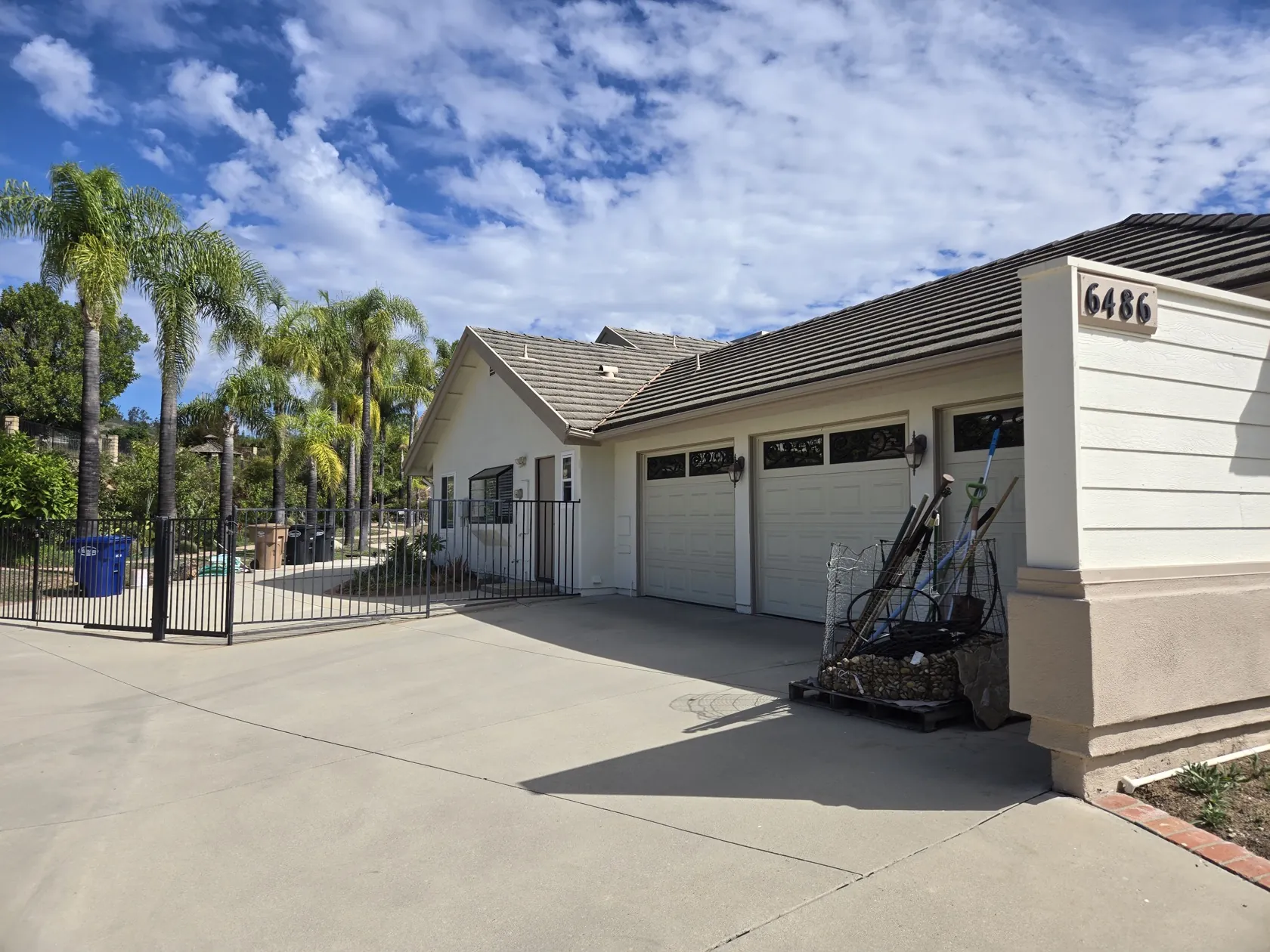
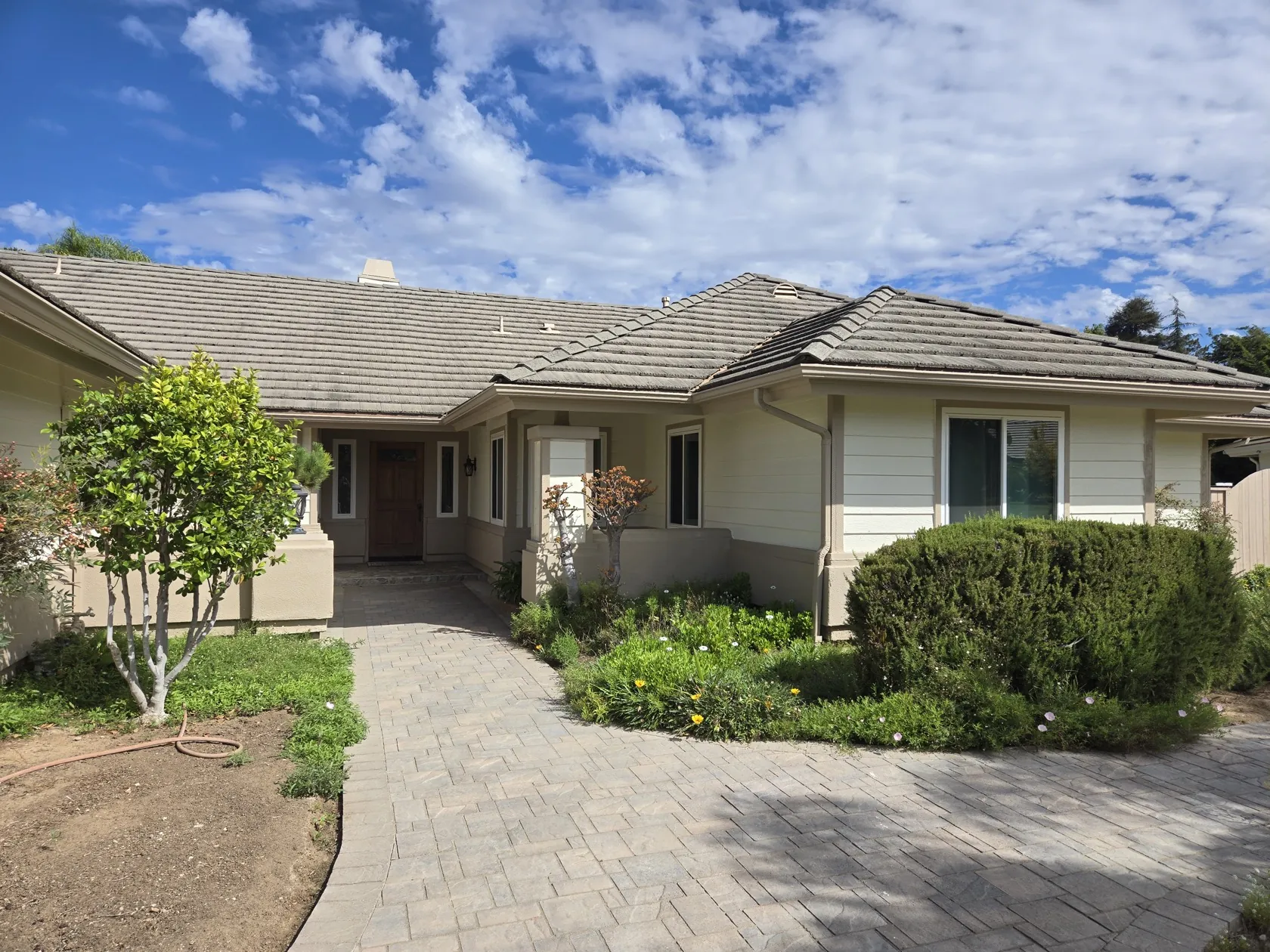
Front entrance of the house in Camarillo

Reolink PoE Camera Installation

Single-story home, Camarillo, CA โ€” contractor briefing for installing a Reolink 4K PoE NVR system with 5 dome cameras (4 exterior + 1 interior) and running the PoE cabling.
๐Ÿ“ Camarillo, CA ~2,700 sq ft single story 4โ€“5 exterior dome cameras 1 interior camera Wired PoE (no wireless)
Property Overview

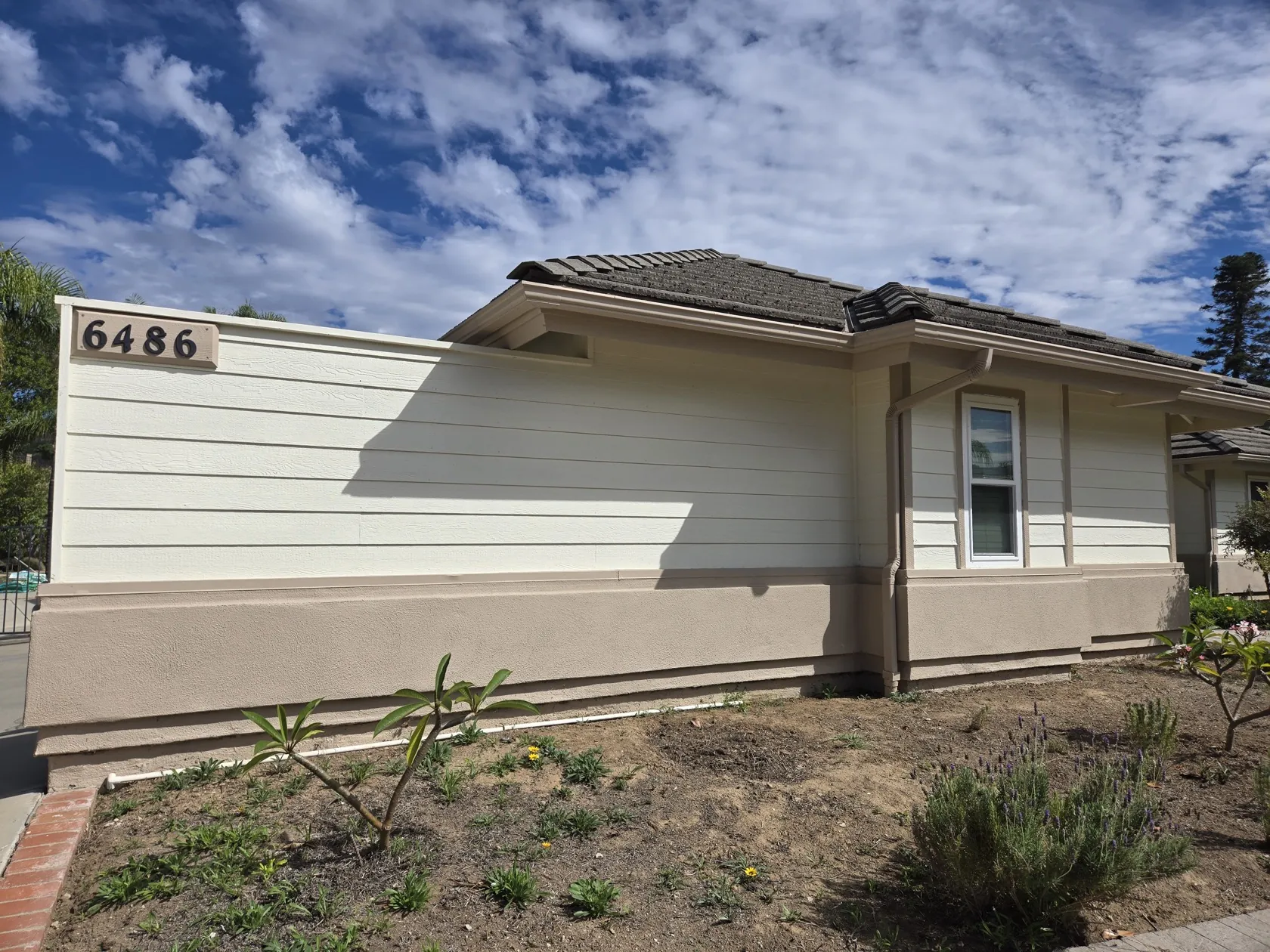
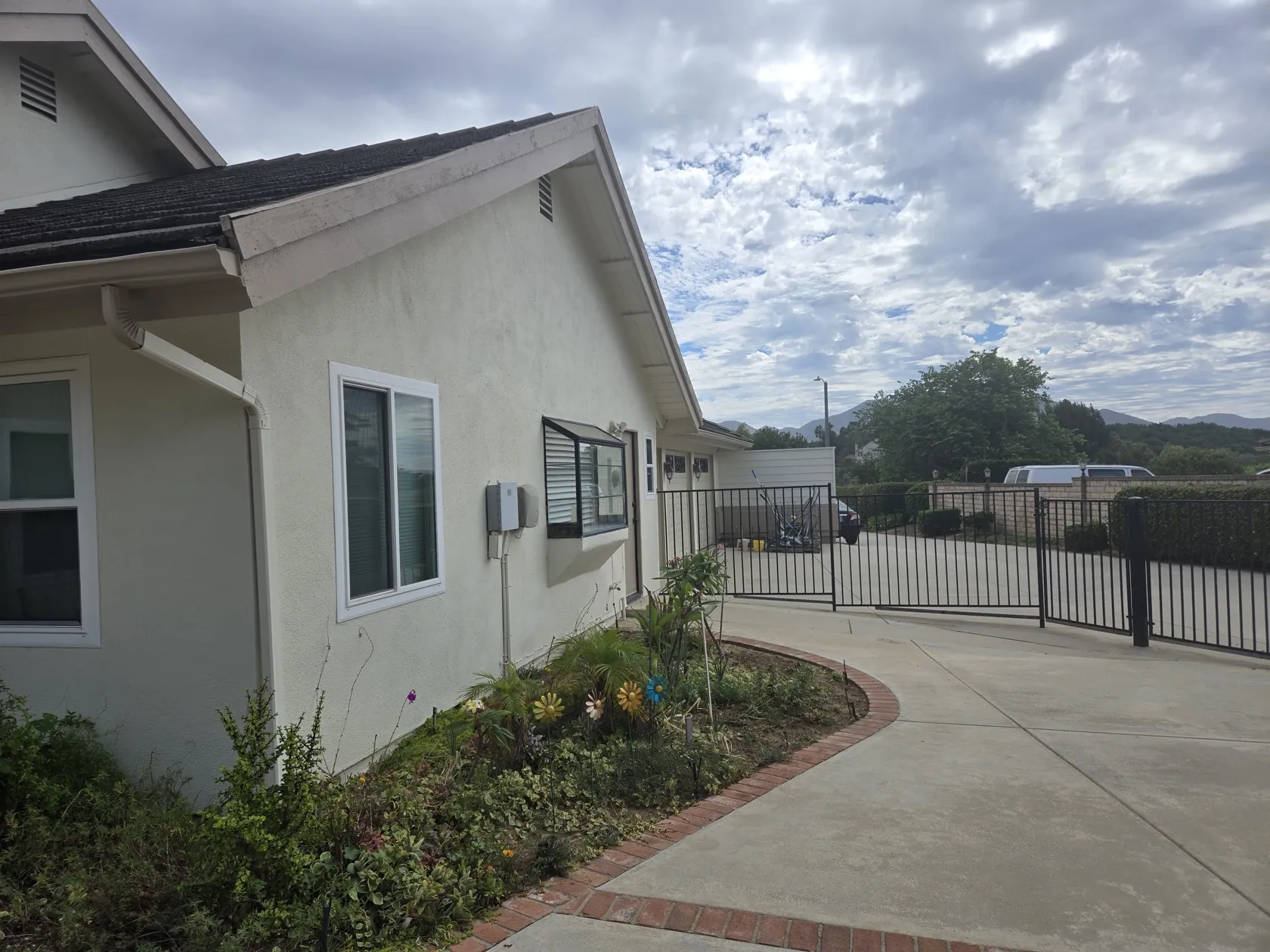
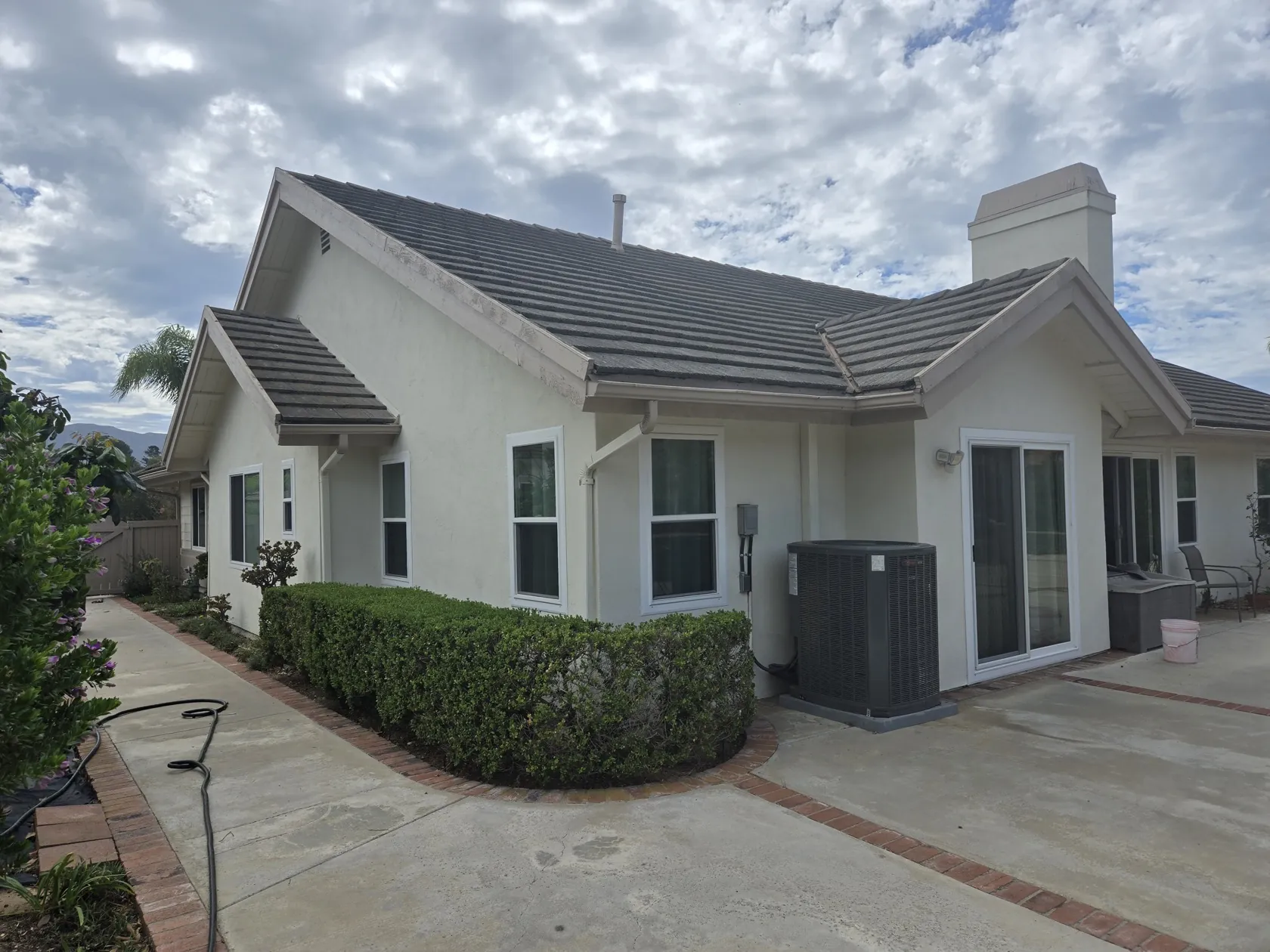
What you're working with on site. Photos below show the relevant elevations.

  • Single-story home, approximately 2,700 sq ft, stucco and lap-siding exterior, tile roof.
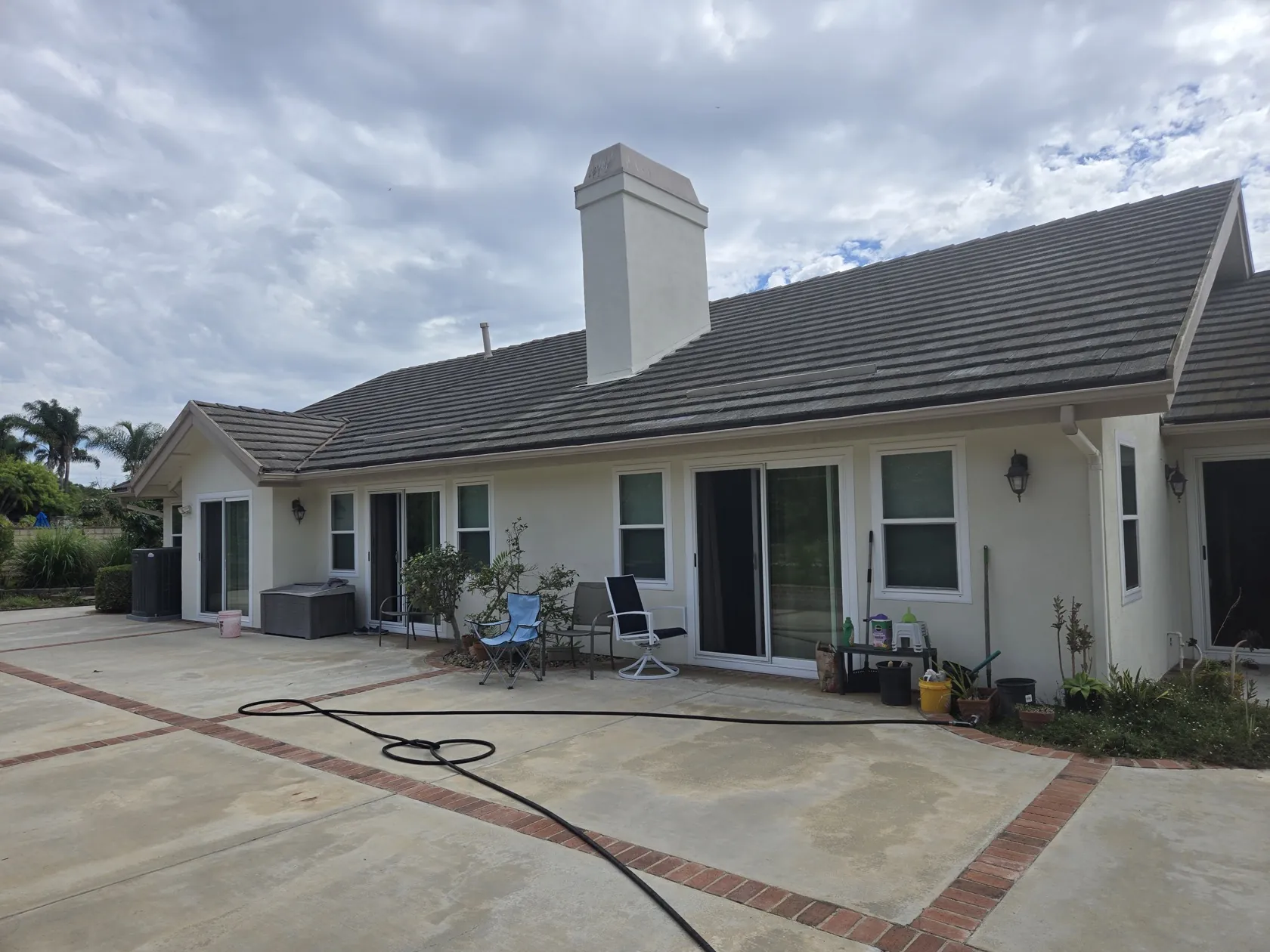
  • Generous eaves / soffit overhangs on all elevations โ€” good sheltered mounting surfaces for dome cameras.
  • Paved driveway with 3-car garage; street access through a fenced gate.
  • Paver walkways from the street to the front door and along the side yard to the rear.
  • Rear patio with multiple sliding glass doors.
  • Fenced backyard; AC condenser(s) on the exterior wall (cable routing references).
  • Downspouts at corners; no existing security cameras or low-voltage conduit observed.

Equipment & Materials

Everything below is already purchased by the homeowner. No camera or NVR procurement is part of this job.

Camera system owned

Reolink 12-Channel 4K PoE + WiFi NVR Security System, 4TB HDD, with 8 wired dome cameras.
Product listing (Costco) โ†—

This job uses 5 of the 8 included dome cameras โ€” 4 on the exterior and 1 indoors. The NVR has headroom for the remaining 3 later.

Cable inventory owned

CableLengthQtyNotes
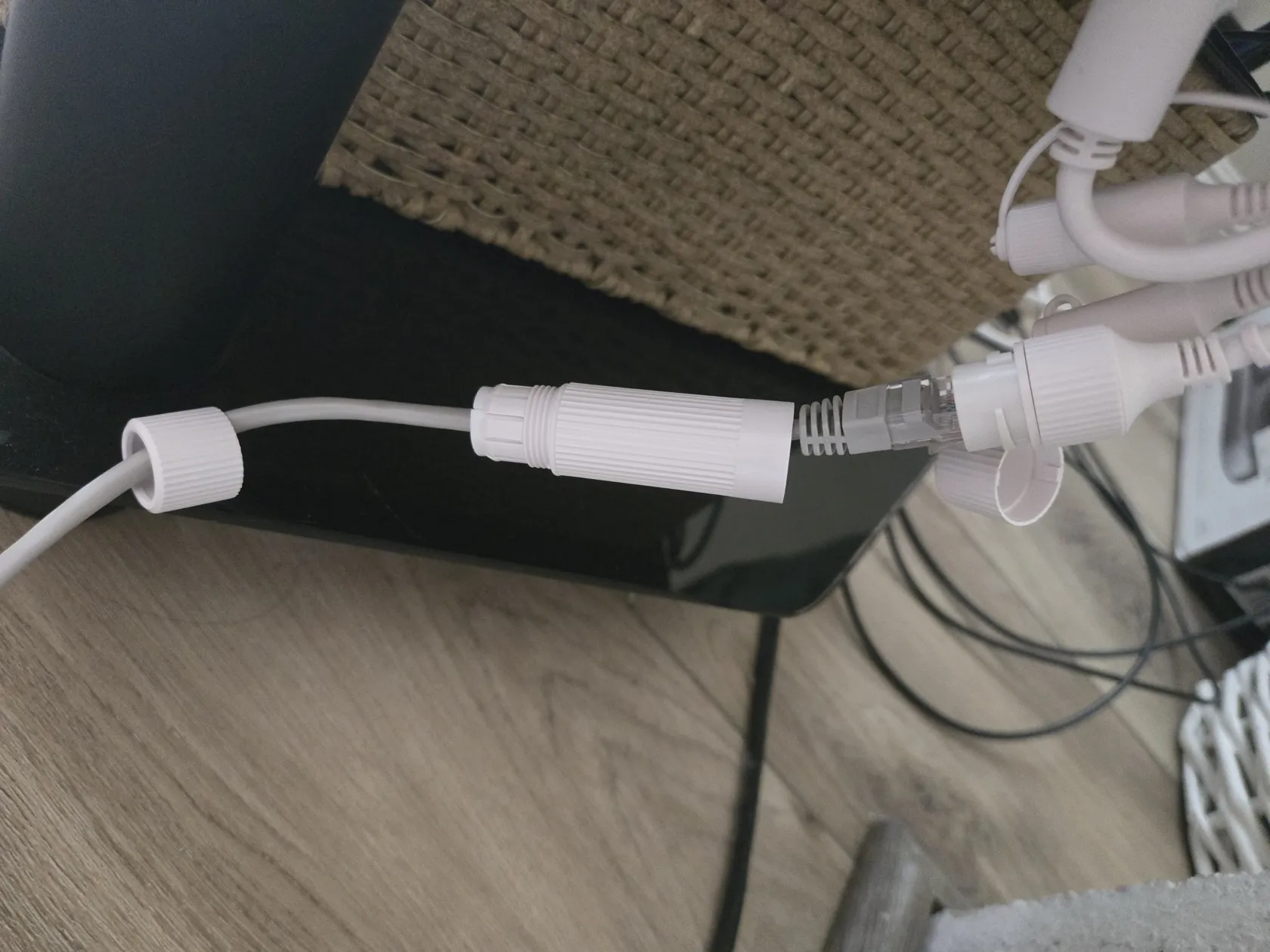
Included with each camera18 m (~59 ft)5 (one per camera used)PoE Ethernet, RJ45 โ€” see photo below
Purchased separately75 ft2PoE Ethernet
Purchased separately100 ft2PoE Ethernet

That's roughly 545 ft total available for 5 runs. Whether it covers the final camera locations and NVR position will be determined on site โ€” if additional cable is needed, please itemize it in your estimate.

Included 18m PoE Ethernet cable with RJ45 connector
Included camera cableEach dome camera ships with an 18 m (~59 ft) PoE Ethernet cable like this one.

Scope of Work

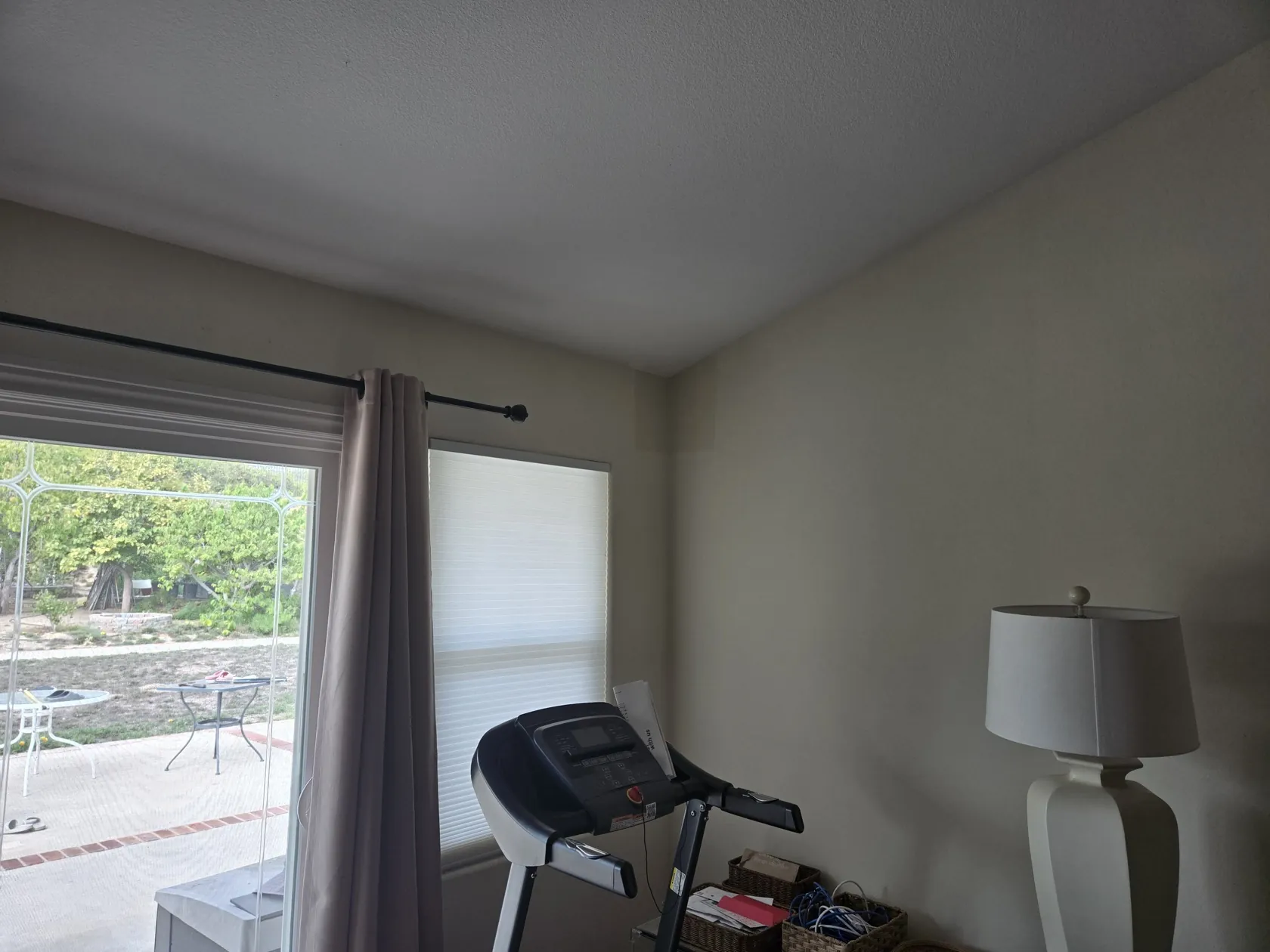
The exact exterior camera locations are not yet fixed โ€” they will be chosen on site based on feasibility and usefulness (coverage of entry points, driveway/gate, side walkway, rear patio). Candidate areas are highlighted in the gallery.

  1. Site walk-through with the homeowner to finalize camera locations and cable routes.
  2. Mount 4โ€“5 exterior dome cameras โ€” under eaves/soffit or on wall at appropriate height, using included mounting hardware; weatherproof all penetrations and junctions.
  3. Mount 1 interior dome camera (candidate room shown in gallery).
  4. Run PoE Ethernet cable from each camera to the NVR location: use the included 18 m cables and the purchased 75 ft / 100 ft runs where they suffice; fish through walls, eaves, or conduit as appropriate for a clean exterior; label both ends of every run.
  5. Verify connections at the NVR โ€” the NVR has already been set up by the homeowner. Just confirm each camera connects and streams correctly, and test that every Ethernet cable run is working and undamaged. No system configuration required.
  6. Clean up all work areas when complete.

What We're Asking For

Please provide a written estimate covering:

  • Labor to mount and aim 4โ€“5 exterior dome cameras + 1 interior camera (locations finalized on site).
  • PoE cabling for all runs โ€” using the included/purchased cable listed above; itemize any additional cable or materials you anticipate needing.
  • Any extra materials: conduit, brackets, weatherproofing, patch material, etc.
  • Verification that all cameras connect at the NVR and each cable run is intact (the NVR is already configured โ€” no setup work needed).
  • Your assumed cable lengths per run, so we can sanity-check against the inventory above.

Questions or scheduling? Please contact the homeowner directly. Thank you!